
Server down? We rebuild it.
Class-100 cleanroom and virtual array reconstruction for RAID 0/1/5/6/10, NAS and enterprise servers. We image first, then rebuild — your originals stay untouched.
Diagnostic from Free · No Recovery, No Charge on logical cases
Built for this exact failure
All RAID Levels
RAID 0, 1, 5, 6, 10, 50, 60, JBOD and nested arrays.
NAS Specialists
Synology SHR, QNAP, Buffalo, EXT4, BTRFS, ZFS.
Read-Only Imaging
Member drives are cloned before any reconstruction.
Virtual Reconstruction
We rebuild the array virtually — never on the originals.
Sound familiar?
If you see any of these, stop using the device and contact us immediately.
- Multiple drive failure in RAID 5 / 6
- Controller card failure or BIOS errors
- Accidental rebuild or initialization
- Crashed volume on Synology / QNAP NAS
- RAID array showing as foreign or offline
- Filesystem corruption (EXT4, BTRFS, NTFS, XFS)
- Encrypted RAID volumes
- Server won't boot after power outage
Transparent, step-by-step
On-Site or Lab Intake
We accept full server chassis or labelled member drives.
Sector-by-Sector Imaging
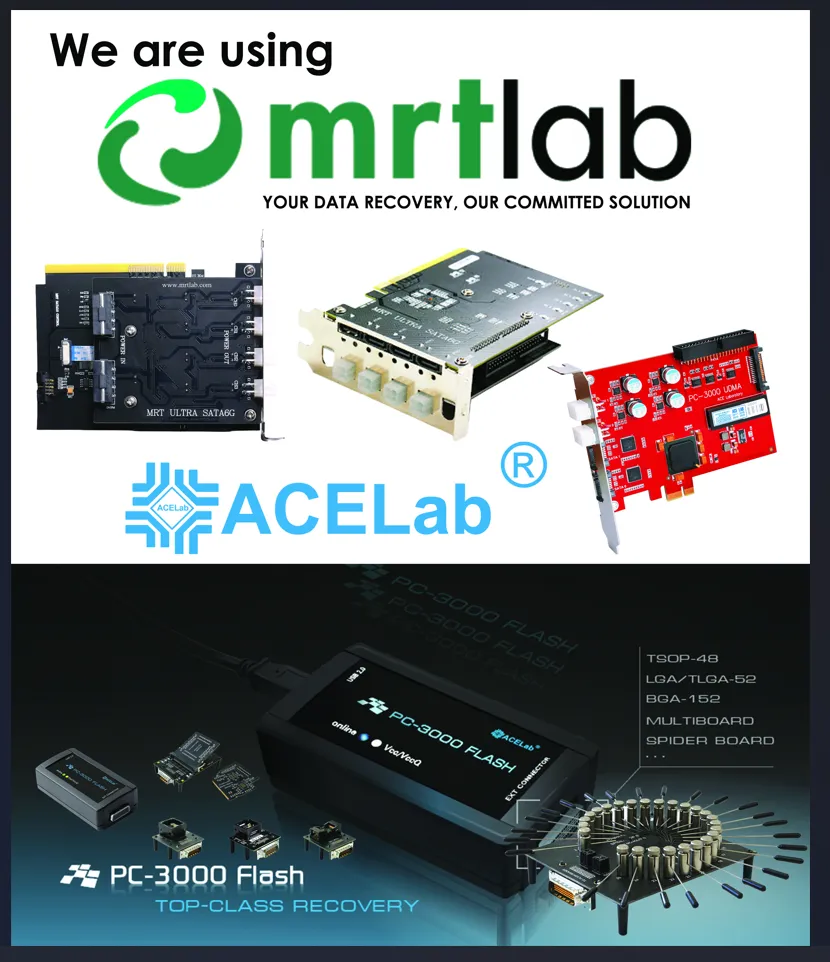
Each disk is cloned read-only with PC-3000.
Virtual Array Rebuild
We determine stripe, parity & order — then reconstruct virtually.
Filesystem Repair & Delivery
Files extracted, verified and handed over on new media.
Brands we recover
Quick answers
Do you recover failed RAID arrays?
Yes — RAID 0, 1, 5, 6, 10, JBOD and nested arrays from Dell, HP, Lenovo, Synology, QNAP, Buffalo and custom servers. Every member drive is imaged read-only first, then the array is virtually reconstructed.
Two drives failed in my RAID 5 — is recovery still possible?
Often yes. We image each drive (including failed members), determine the original stripe size, parity rotation and disk order, then reconstruct the array virtually. Success depends on which drives failed and how recently.
My Synology / QNAP NAS shows crashed volume. Can you help?
Absolutely. NAS recovery is one of our specialties. We support EXT4, BTRFS, ZFS and proprietary filesystems used by Synology SHR, QNAP and Buffalo TeraStation devices.
Should I rebuild the array before contacting you?
No — please don't. Rebuilding, initializing or running consistency checks can overwrite recoverable data. Power down the array, label each drive with its slot number and contact us immediately.
Related recovery services
Hard Disk Recovery
Seagate, WD, Toshiba, Samsung, HGST, Hitachi — internal, desktop & external drives.
Learn moreSSD & NVMe Recovery
M.2, PCIe and SATA SSDs across Samsung, WD, Adata, Crucial and more.
Learn morePen Drive & Memory Card
USB, SD, microSD, CF, CFexpress — chip-off NAND recovery.
Learn moreEvery minute the server is down costs you.
Talk to a RAID engineer now. 24/7 emergency response.